Fallen Blades
A downloadable game for Windows
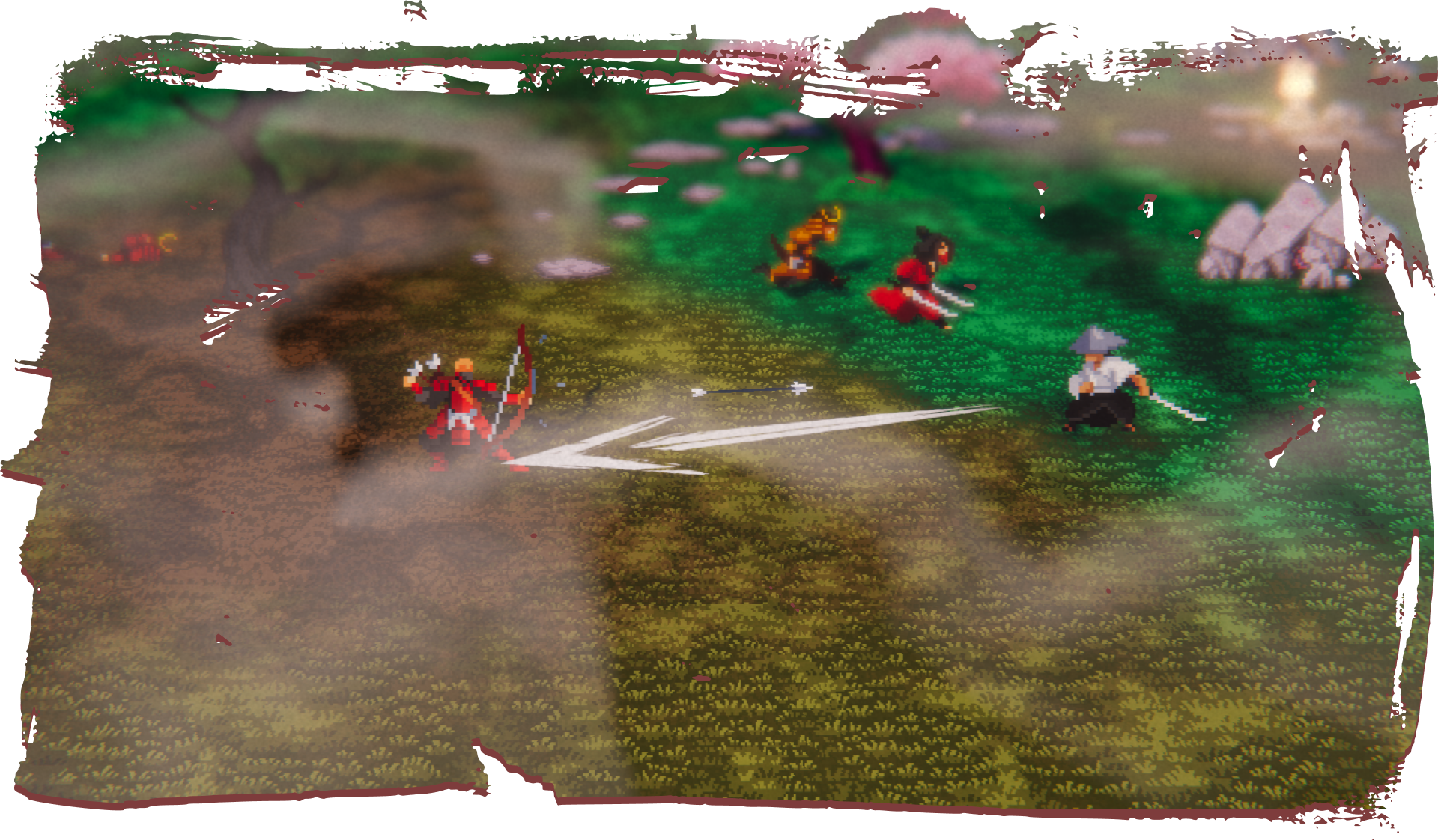
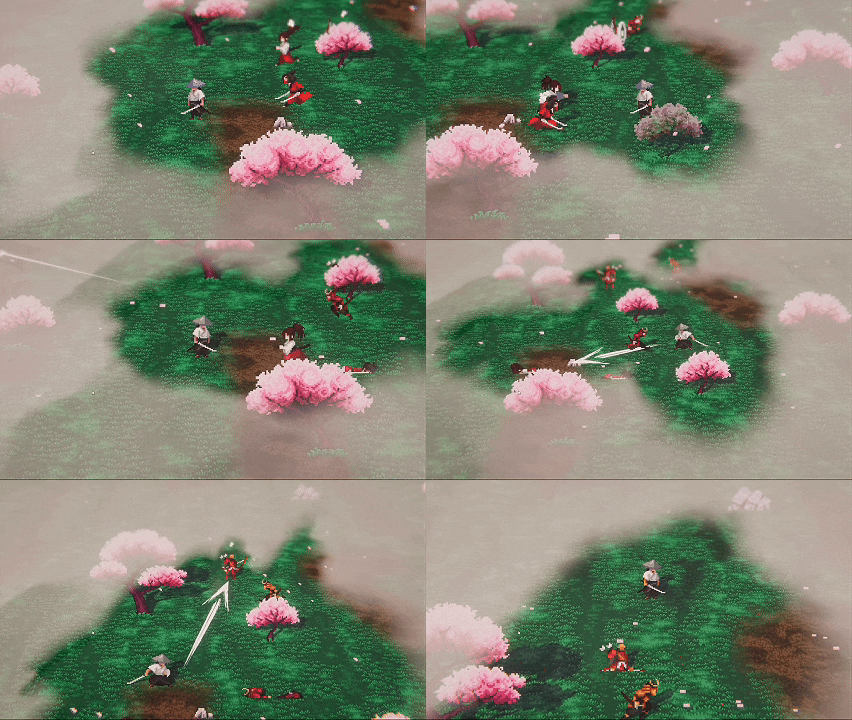
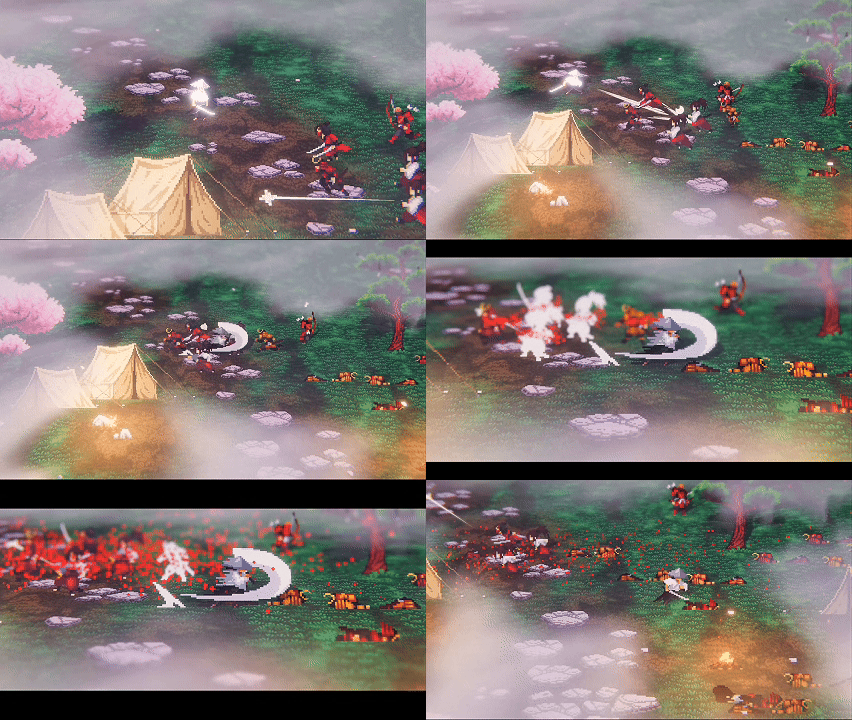
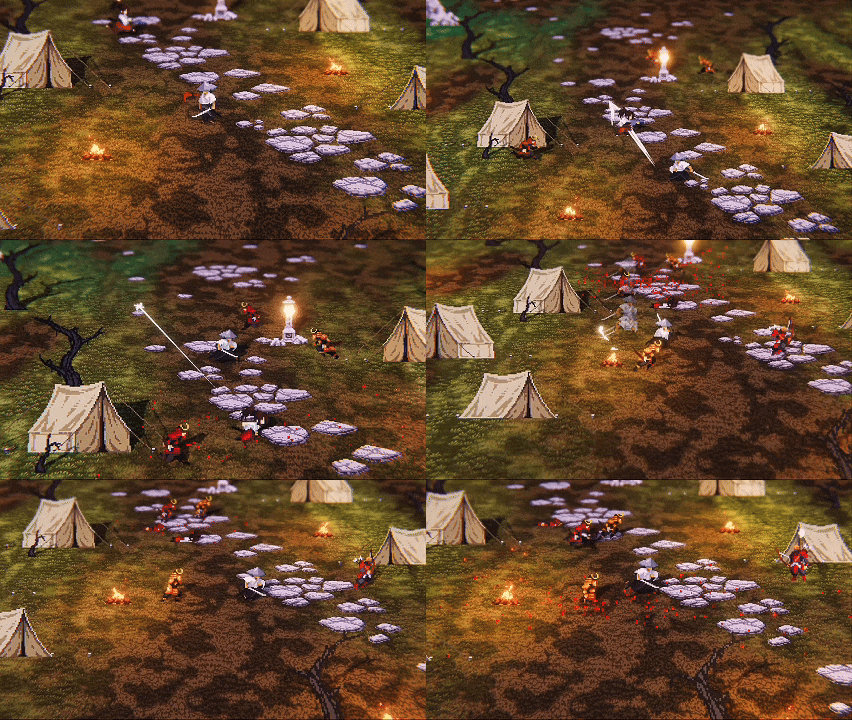
Fallen Blades is a fast-paced, top-down arena slasher built around dash-based combat and inspired by the atmosphere of feudal Japan.
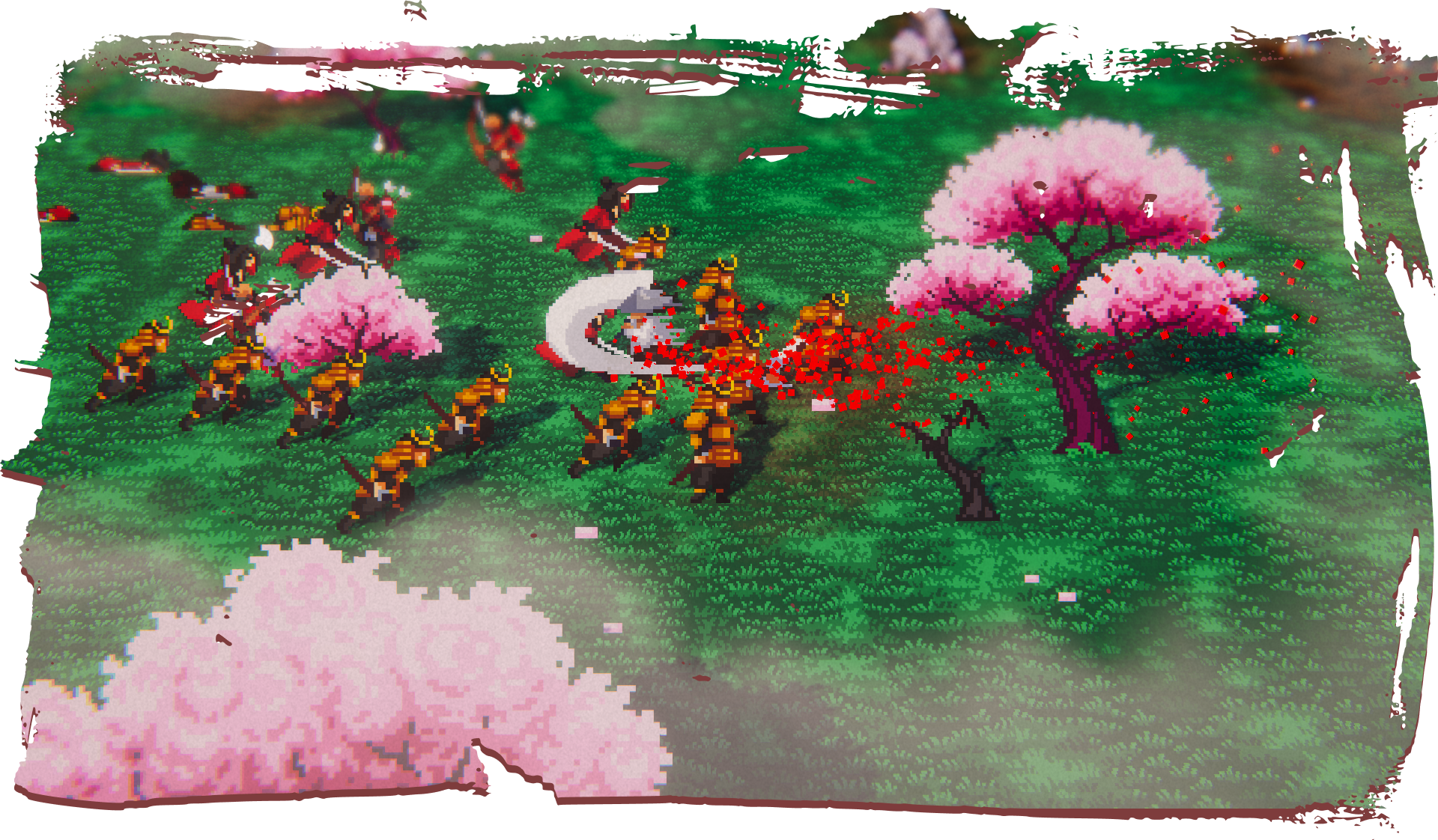
You play as a lone samurai facing waves of warriors who were once your allies. Steel clashes in the final battle for honor, where every strike carries the weight of past loyalty. The battlefield becomes a quiet reflection of a warrior confronting his fate.
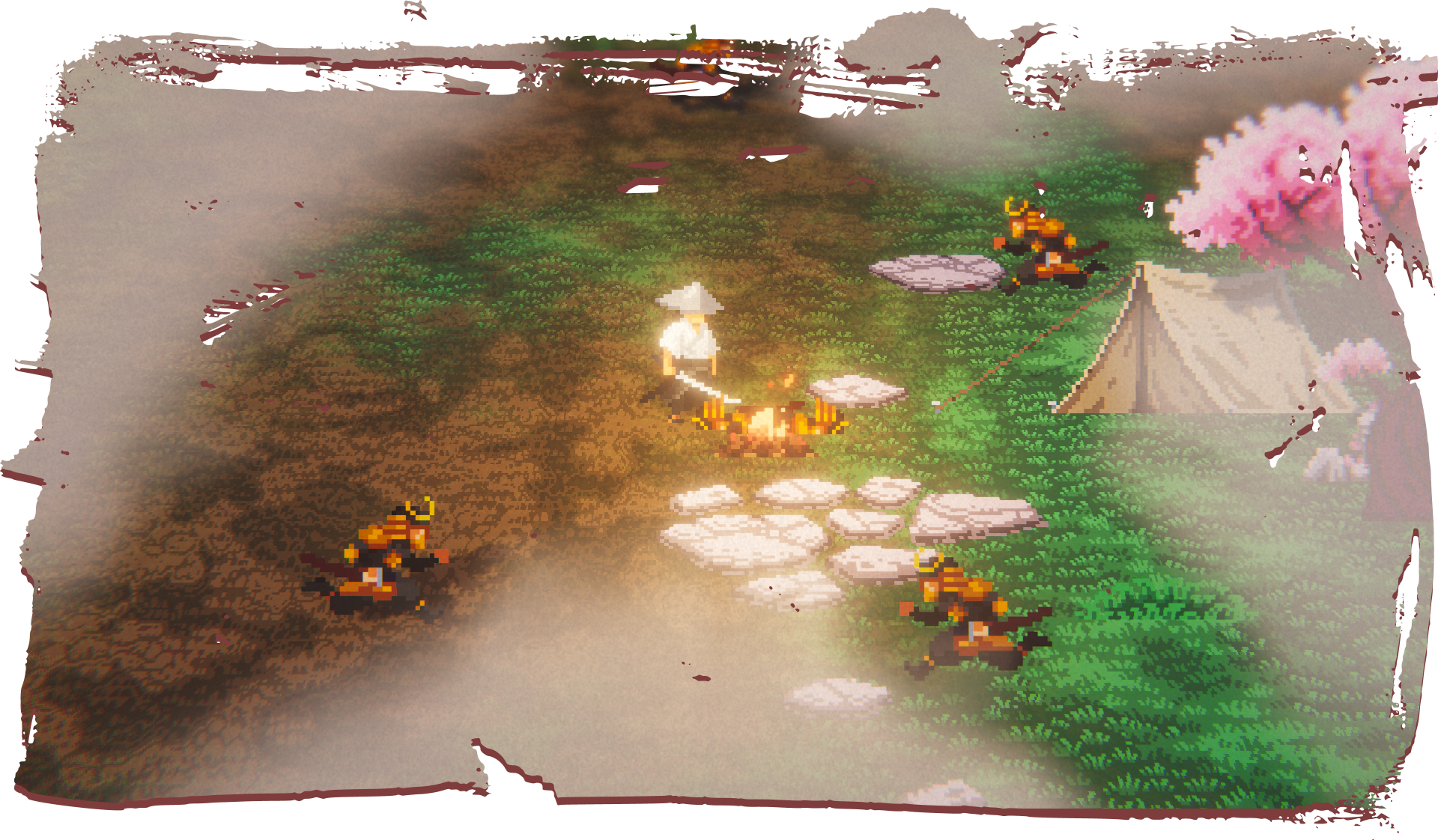
Unlike many recent arena games, Fallen Blades is NOT a roguelite or a “Vampire Survivors-like”. The focus is on direct, skill-based melee combat rather than passive upgrades or auto-attacks.
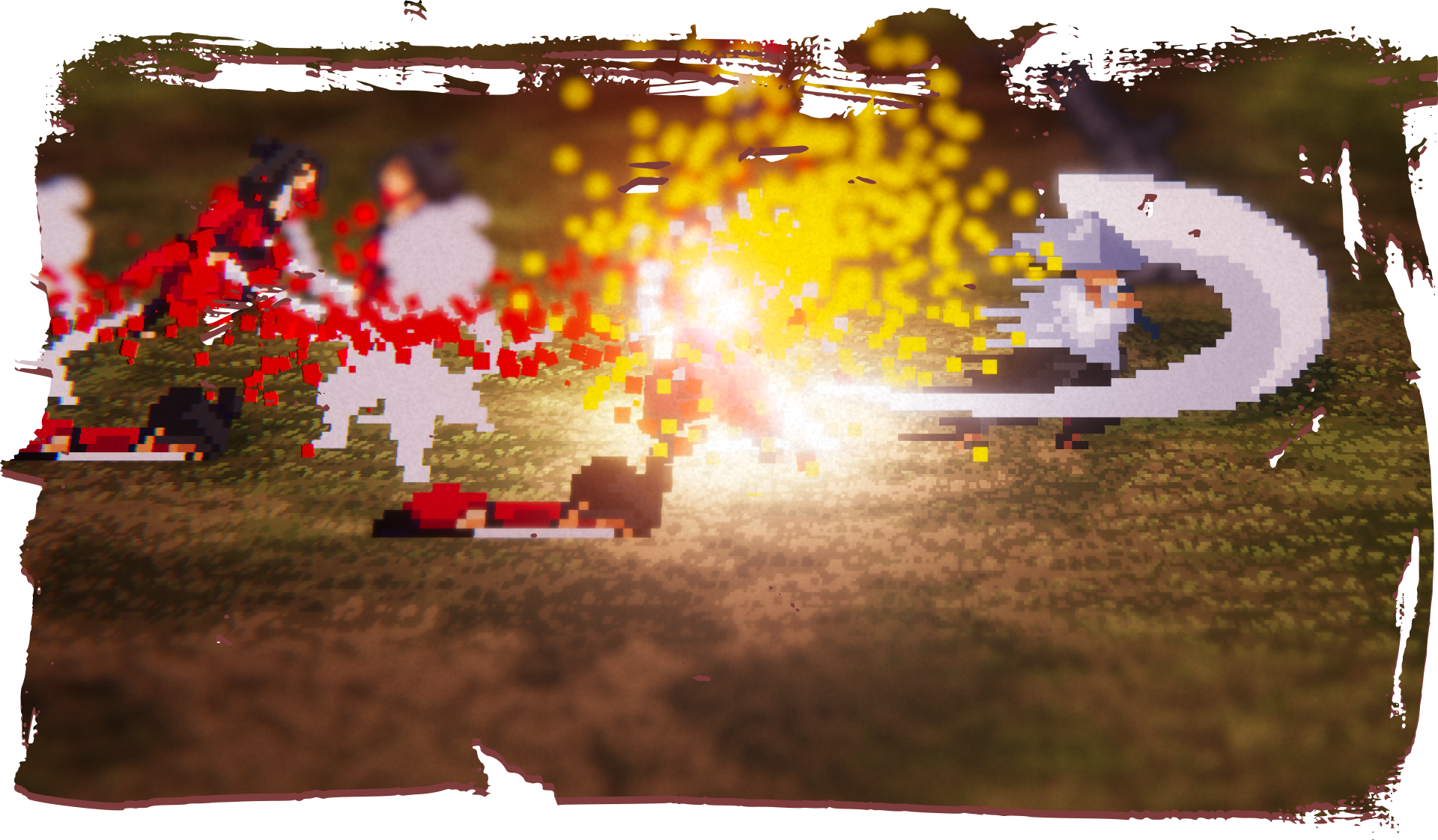
This demo focuses on the core combat mechanics of the game:
Survive as long as possible while defeating incoming waves of enemies. The more opponents you defeat, the higher your score. You can save your score on the local leaderboard.
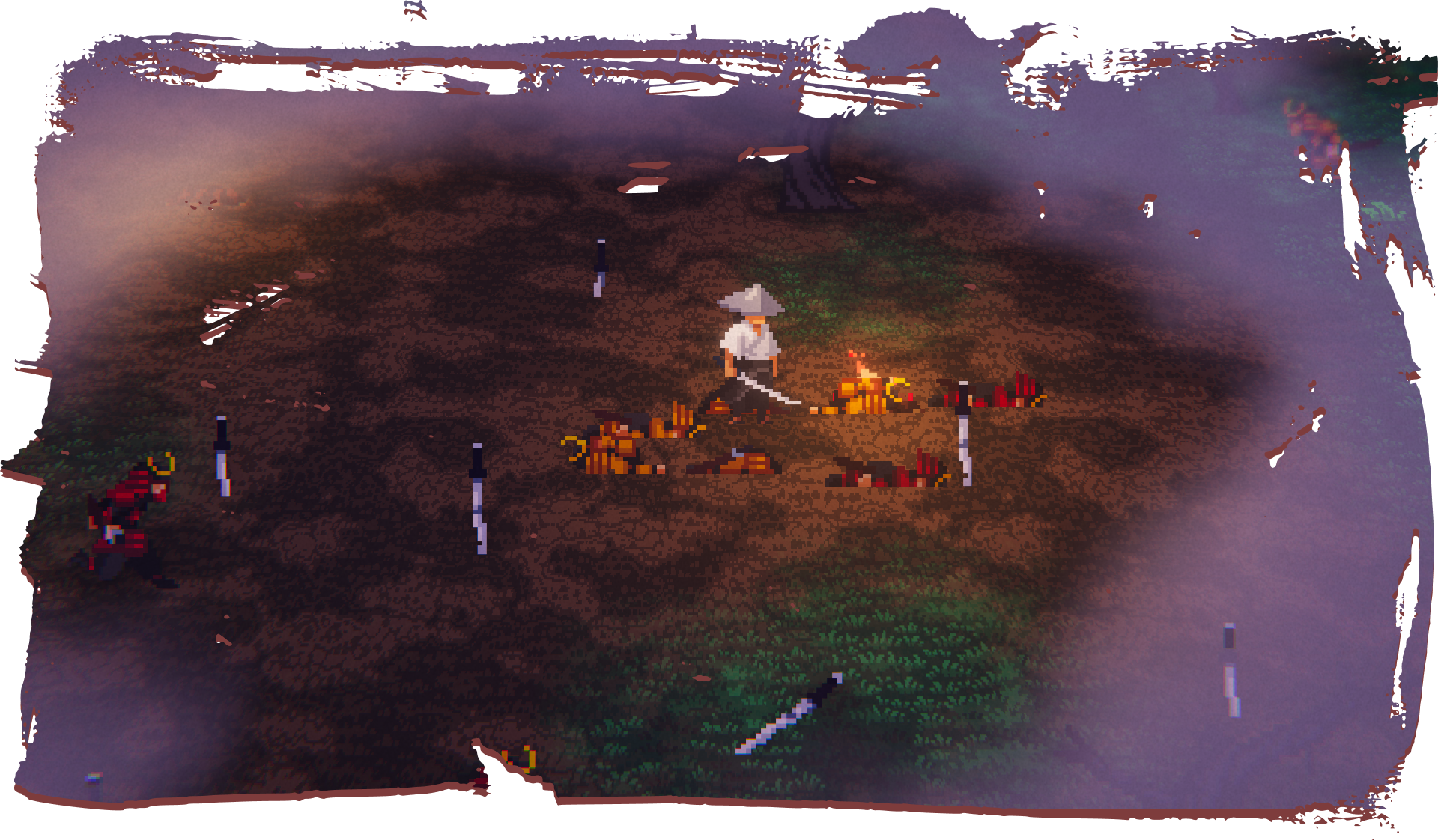
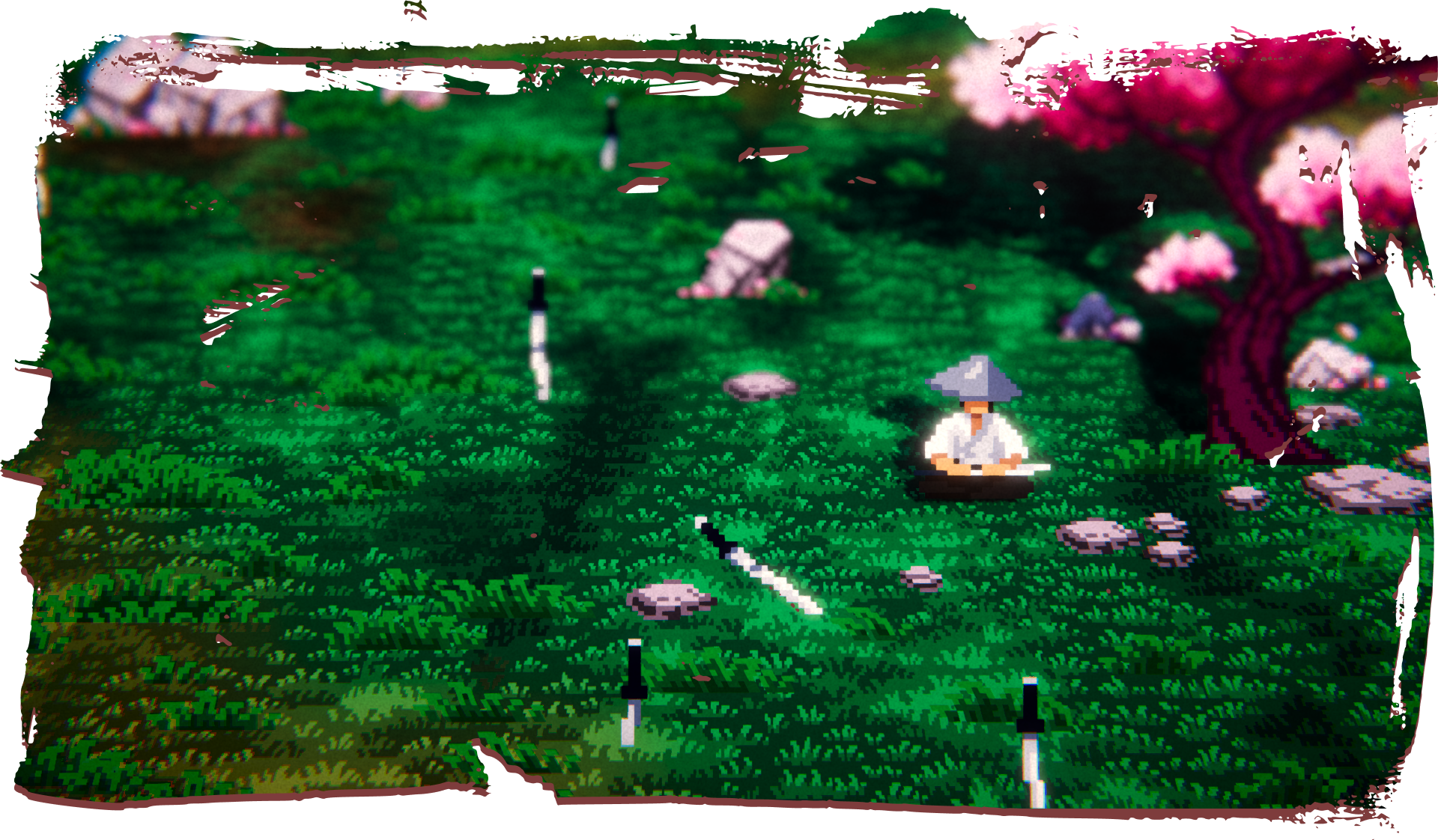
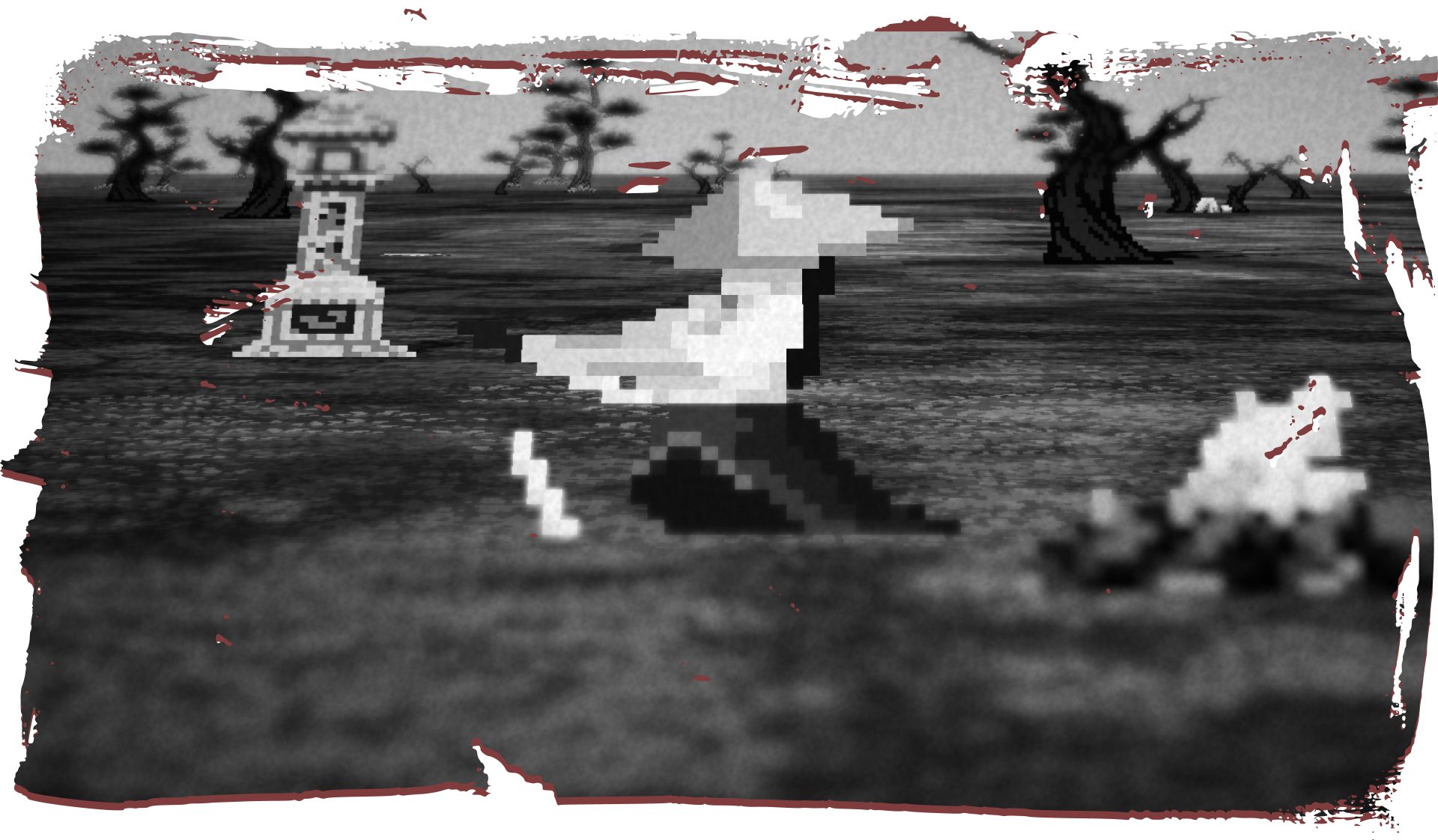
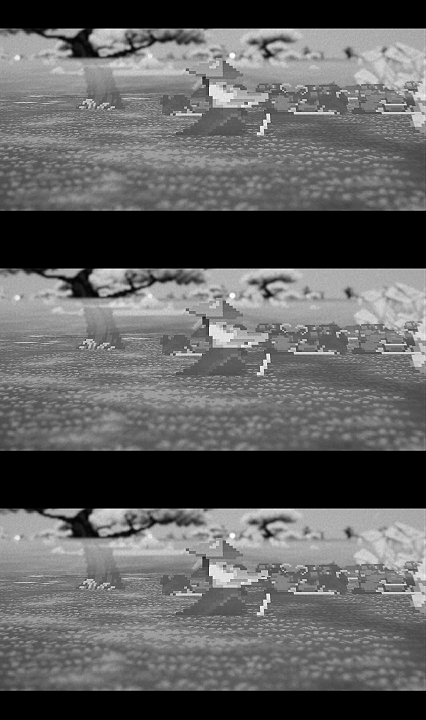
The visual style combines 3D environments with 2D pixel-art character sprites, creating a stylized battlefield where traditional aesthetics meet modern presentation.

Project Status
This version is a demo focused on the main gameplay loop.
Content is intentionally limited. The goal of this release is to test the combat mechanics and gather feedback from players.
We would love to hear your thoughts:
- Does the combat feel satisfying?
- Are the mechanics clear and responsive?
- What would you like to see added in future versions?
Your feedback may directly influence the future direction of the project.
Community & Feedback
If you enjoyed the demo or have suggestions for the future of the project, we would love to hear from you.
Leave a comment on this page and share your impressions.
You can also join our Discord server to follow development, talk with the team, and help shape the future of Fallen Blades.

If you played the demo, we would greatly appreciate your feedback.
You can help us improve the game by filling out a short feedback survey:
The survey only takes a few minutes to complete. If it is more comfortable for you, you can also write your answers in your native language.
Wishlist on Steam
If you enjoyed the demo, consider adding Fallen Blades to your Steam wishlist:

Controls
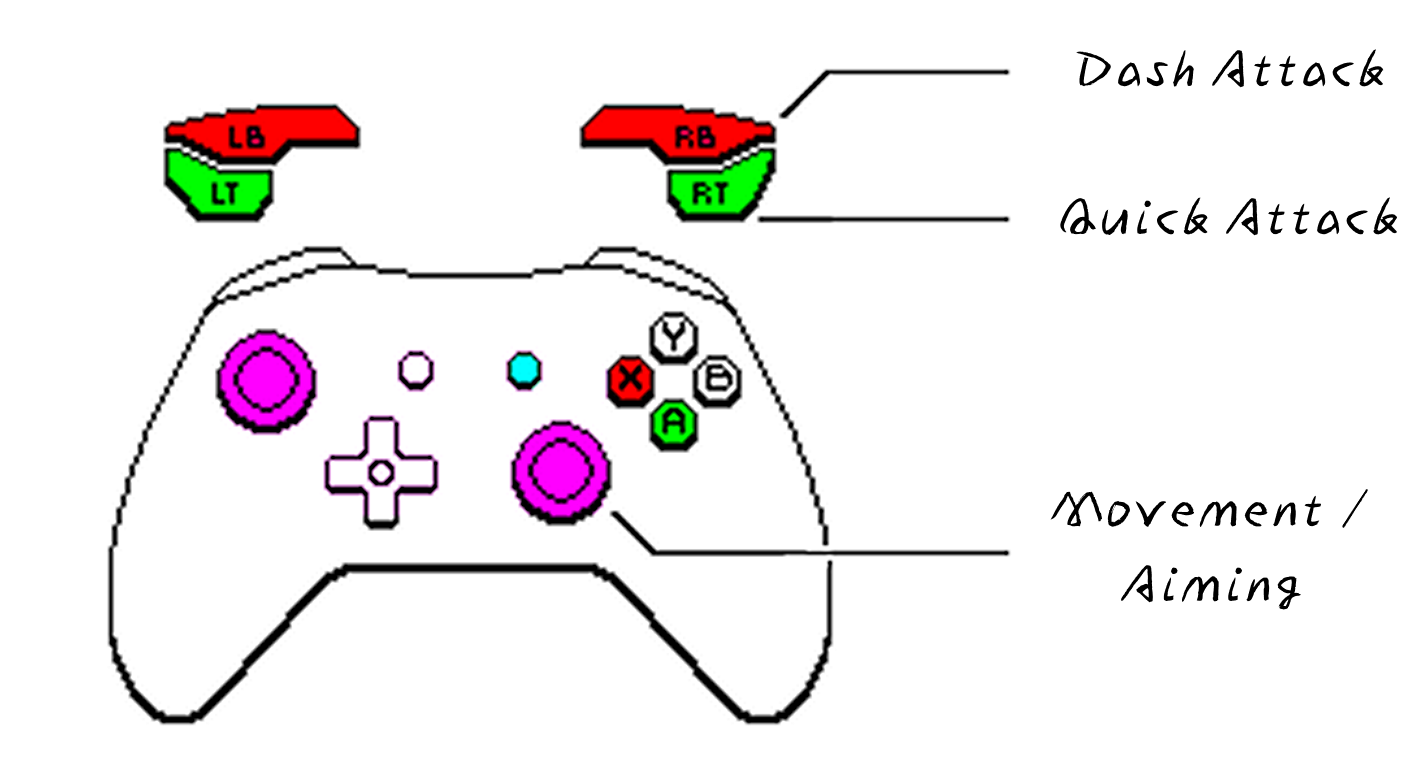
We strongly recommend playing with a controller, as it provides the most comfortable experience. Keyboard and mouse are also supported.
The game includes parallel inputs for many actions, meaning you can perform the same move using different buttons without changing any settings.
Controller [Recommended]
| Action | Button | Alternative |
| Movement / Aiming | Left Stick / Right Stick | - |
| Basic Attack | L1 / R1 | South Button |
| Quick Attack | [Press] L2 / R2 | [Press] West Button |
| Dash Attack (Charge) | [Hold] L2 / R2 | [Hold] West Button |
Keyboard & Mouse
| Action | Button | Alternative |
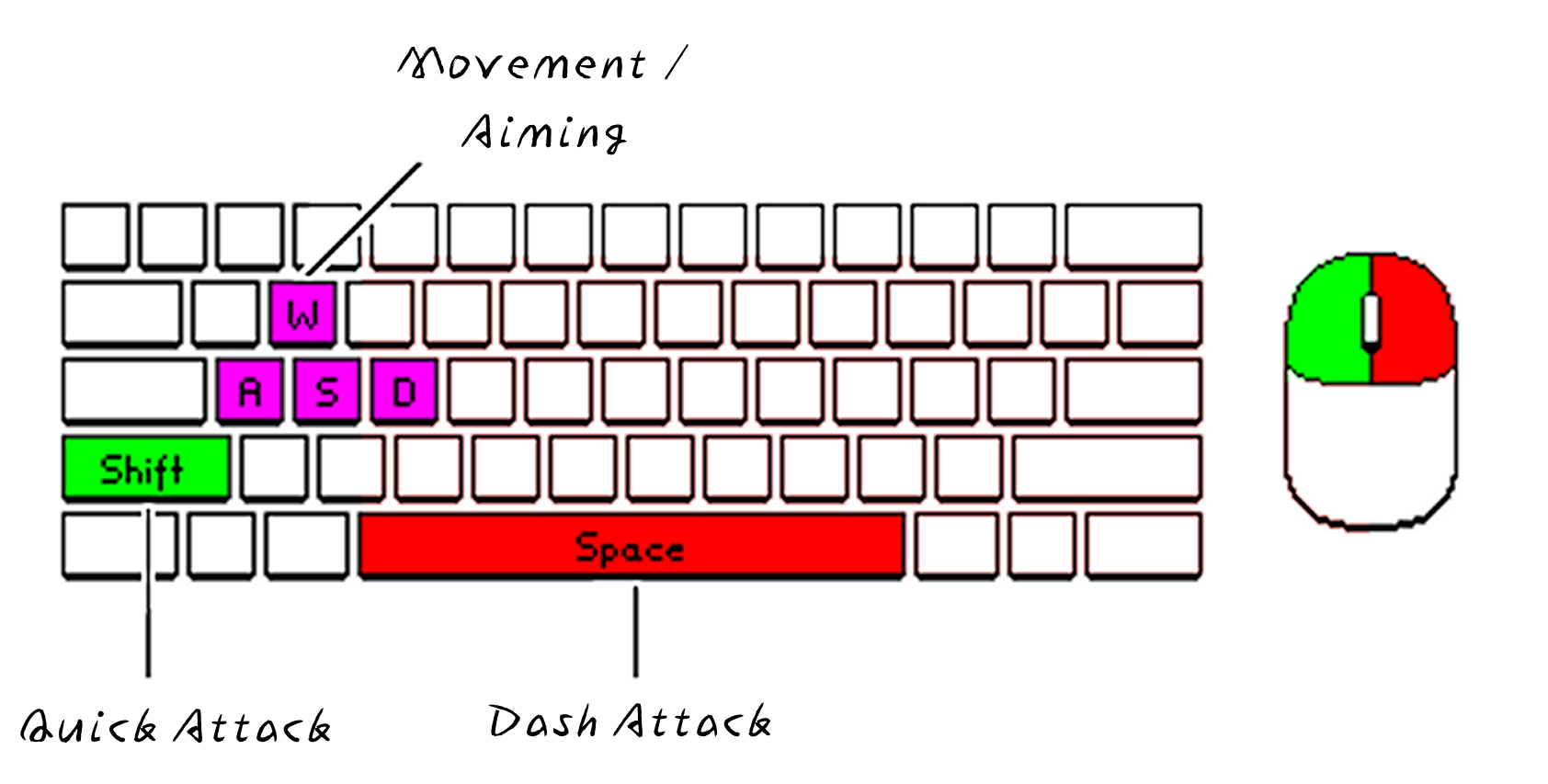
| Movement / Aiming | WASD | - |
| Basic Attack | Shift | Left Mouse Button |
| Quick Basic Attack | [Press] Space | [Press] Right Mouse Button |
| Dash Attack (Charge) | [Hold] Space | [Hold] Right Mouse Button |
Credits
- Radosław Klasa
- Konrad Jakubowski
- Oskar Speruda
- Paweł Randak
- Jan Mróz
Special Thanks
- Dawid Frątczak
- Karolina Surdyk
- All the playtesters
Video Trailer
Installation
- Download the .zip archive.
- Extract the folder anywhere on your computer.
- Open the folder and run FallenBlades.exe.
Note: On some Windows systems, you may see a security warning or “Windows protected your PC” message. If this happens, click More info and then Run anyway to start the game.
No additional installation is required.
Download
Install instructions
- Download the
.ziparchive. - Extract the folder anywhere on your computer.
Open the folder and run
Fallen Blades.exe.
Note: On some Windows systems, you may see a security warning or “Windows protected your PC” message. If this happens, click More info and then Run anyway to start the game.
No additional installation is required.
Leave a comment
Log in with itch.io to leave a comment.